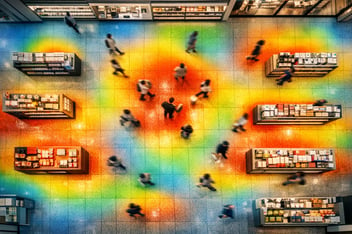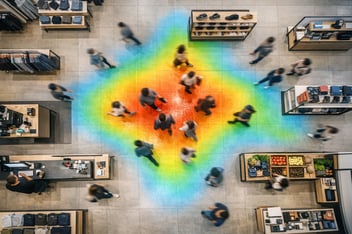


/global/header/smart-buildings.svg)


/global/header/facility-management.svg)






/global/header/leisure.svg)






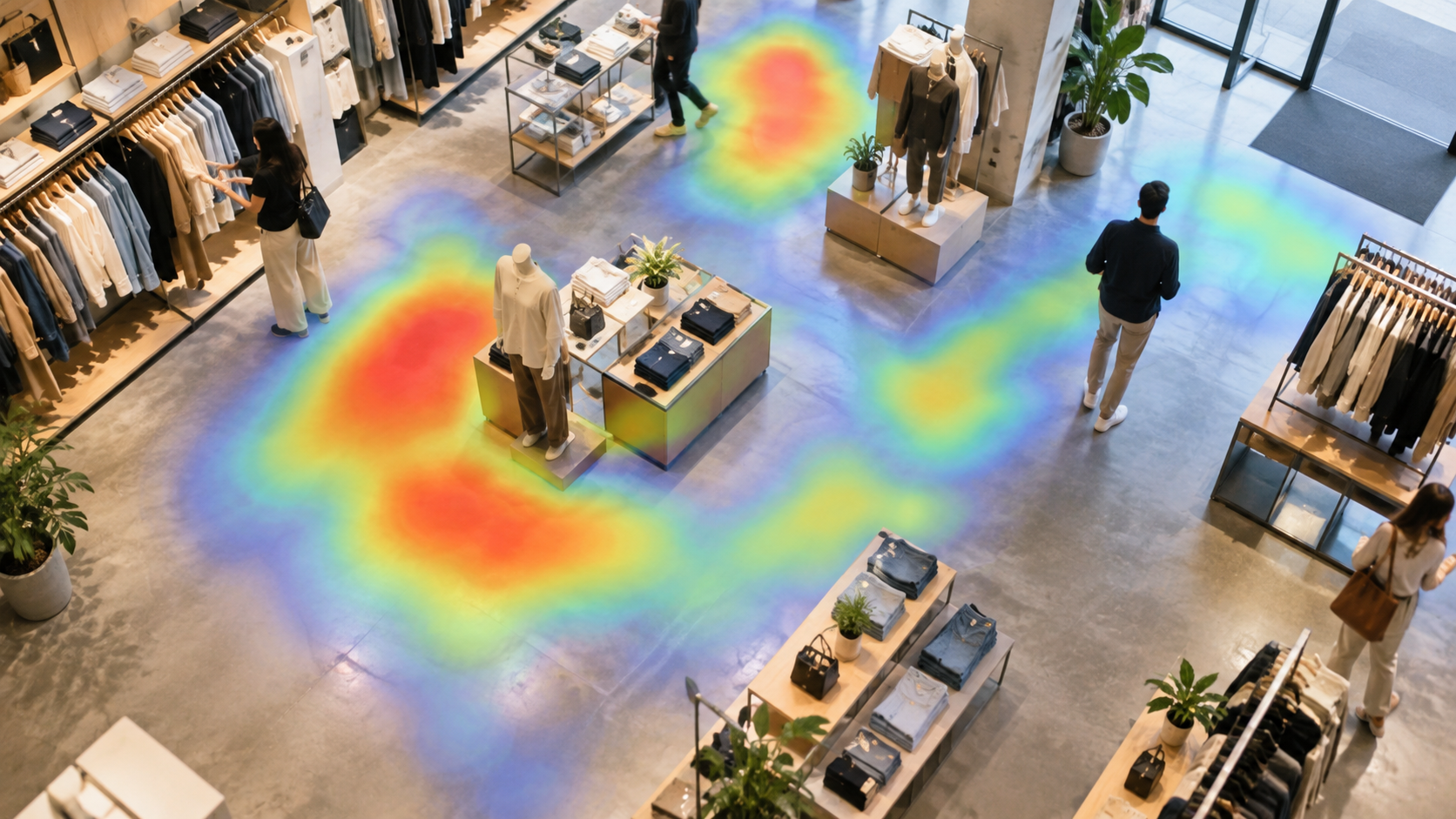
The first time most store managers see a retail heat map of their own floor, the reaction is the same: the entrance is red, the back-left corner is blue, and somebody says "we knew that." Then the second map arrives, filtered to show only visitors who stayed more than 20 seconds in a zone, and the picture flips. The red at the entrance disappears, because nobody pauses there. A mid-floor table that looked lukewarm turns out to be where people actually stop, pick things up and decide. That gap between where people pass and where people stay is the whole point of heat mapping, and it is the part generic articles skip.
Two maps, not one: traffic versus dwell time
A heat map for a retail store is really two separate datasets drawn on the same floorplan. The first counts presence: how many people passed through each square metre. The second measures dwell time: how long they stayed once there. A corridor between the entrance and the checkout will always glow on the presence map. It is a route, not a destination. If you place a promotion there because it is "hot," you are paying for eyeballs moving at walking pace.
Dwell time tells a different story. A fitting-room approach, a fragrance tester table, a wall of trainers at eye level: these may see a fraction of the corridor's traffic, but visitors linger. When you overlay sales per zone from the POS, the dwell map usually correlates far better with revenue than the presence map does. The operational rule that follows is simple: use the presence map to place signage and wayfinding, use the dwell map to place margin.
Reading cold zones without jumping to conclusions
A cold zone is not automatically a failed zone. Before anyone re-merchandises it, ask four questions:
- Is it cold because of layout or because of category? A blue patch behind a tall gondola is a sightline problem. A blue patch around seasonal stock in the wrong month is a buying problem.
- Is it cold at all hours? Split the map by daypart. Many "dead" zones are busy between 12:00 and 14:00 and empty otherwise, which points to staffing and replenishment timing rather than fixtures.
- Is it cold for everyone? Where demographic data is available, a zone may be cold for the majority but warm for the 18 to 24 segment you are actively trying to grow.
- Does it convert anyway? Some low-traffic zones, think high-ticket items or services counters, have few visitors and excellent conversion. Leave them alone.
Only after those four answers does a cold zone become a project. Retailers who skip this step tend to reshuffle fixtures every quarter and never learn what worked, because nothing was held constant long enough to measure.
What hot zones are hiding
Hot zones get less scrutiny than they deserve. Three patterns show up repeatedly on retail heat mapping projects. First, congestion masquerading as popularity: a zone glows because it is a bottleneck, and visitors who are stuck there are not shopping, they are waiting to leave. Queue detection on the same floorplan usually confirms this within a day. Second, the decompression zone: the first three to five metres inside the door are red on presence and near zero on dwell, so anything displayed there is effectively invisible. Third, the staff-generated hot spot: a zone near the stockroom door or the returns desk that looks busy because colleagues cross it forty times a shift. Good systems let you exclude staff; if yours does not, mark those areas on the plan before anyone presents the map to the board.
From static heat map to zone-to-zone flow
A single heat map is a photograph. The decisions that move numbers usually come from the sequence: which zone visitors enter after the one they are standing in. This is where VemTrack earns its place alongside plain people counting. On top of the counts it draws dwell time, zone-to-zone flow, full customer journeys and funnel analysis directly on the floorplan, using anonymous re-identification so a visitor can be followed from entrance to exit without any personal data being captured. The practical result is that you stop asking "is the denim wall hot?" and start asking "what share of visitors who stop at denim then reach the fitting rooms, and what share leaves straight for the door?"
That funnel view changes which interventions get funded. Moving a fixture to warm up a cold corner is cheap and often pointless. Shortening the path between a high-dwell zone and the fitting rooms, or placing a staff member at the drop-off point in the funnel, costs about the same and tends to show up in conversion within weeks.
A practitioner note on calibration
Anyone who has installed movement analytics will tell you the same thing: the first two weeks of data are for calibrating the floorplan, not for making decisions. Zones drawn in the office rarely match how the floor is actually shopped. A "zone" that spans both sides of an aisle will average a hot side and a cold side into something meaningless. Redraw zones to match fixtures and sightlines, confirm that the sensor coverage has no blind spots behind tall units, and only then start the baseline period. Counting accuracy itself is contractually at least 96% on Vemco installations and typically 98 to 99% where lighting, layout and visitor behaviour allow, but a perfectly accurate count mapped onto badly drawn zones still produces a misleading map.
Connecting the map to the commercial numbers
Heat maps become budget tools when they sit next to sales data rather than in a separate dashboard. Daells Bolighus, during its turnaround, combined in-store visitor data with both physical and online sales across locations, which is the model to copy: zone dwell time on one axis, zone sales on the other, store by store. Luksusbaby used VemCount to watch real-time conversion alongside visitor demographics, which lets a hot zone be judged by who is standing in it, not just how many. For a multi-store operator, the most useful output is not any one store's map but the comparison: the same planogram producing a warm fitting-room approach in one location and a cold one in another is a layout lesson you can roll out.
Frequently asked questions
How do retailers use heat maps? Retailers use heat maps to see where visitors walk and, more importantly, where they stop, so they can place promotions, staff and high-margin stock in zones with genuine dwell time rather than just passing traffic. Combined with zone-to-zone flow and sales data, the maps show where customers drop out of the journey before reaching fitting rooms or checkout. The most disciplined operators treat each layout change as a test, holding the rest of the store constant and comparing the map before and after.
If you want to see what the dwell map of your own floor looks like next to the traffic map, and which cold zones are worth touching, talk to the Vemco team at vemcogroup.com/contact-us and we will walk through a floorplan with you.